


How to transcribe YouTube videos with Aelano
Follow these steps to easily transcribe YouTube videos and start learning with Aelano.
- 1
Copy YouTube video link
Find the video you want to learn on YouTube and copy the video's URL link.
- 2
Import link in Aelano
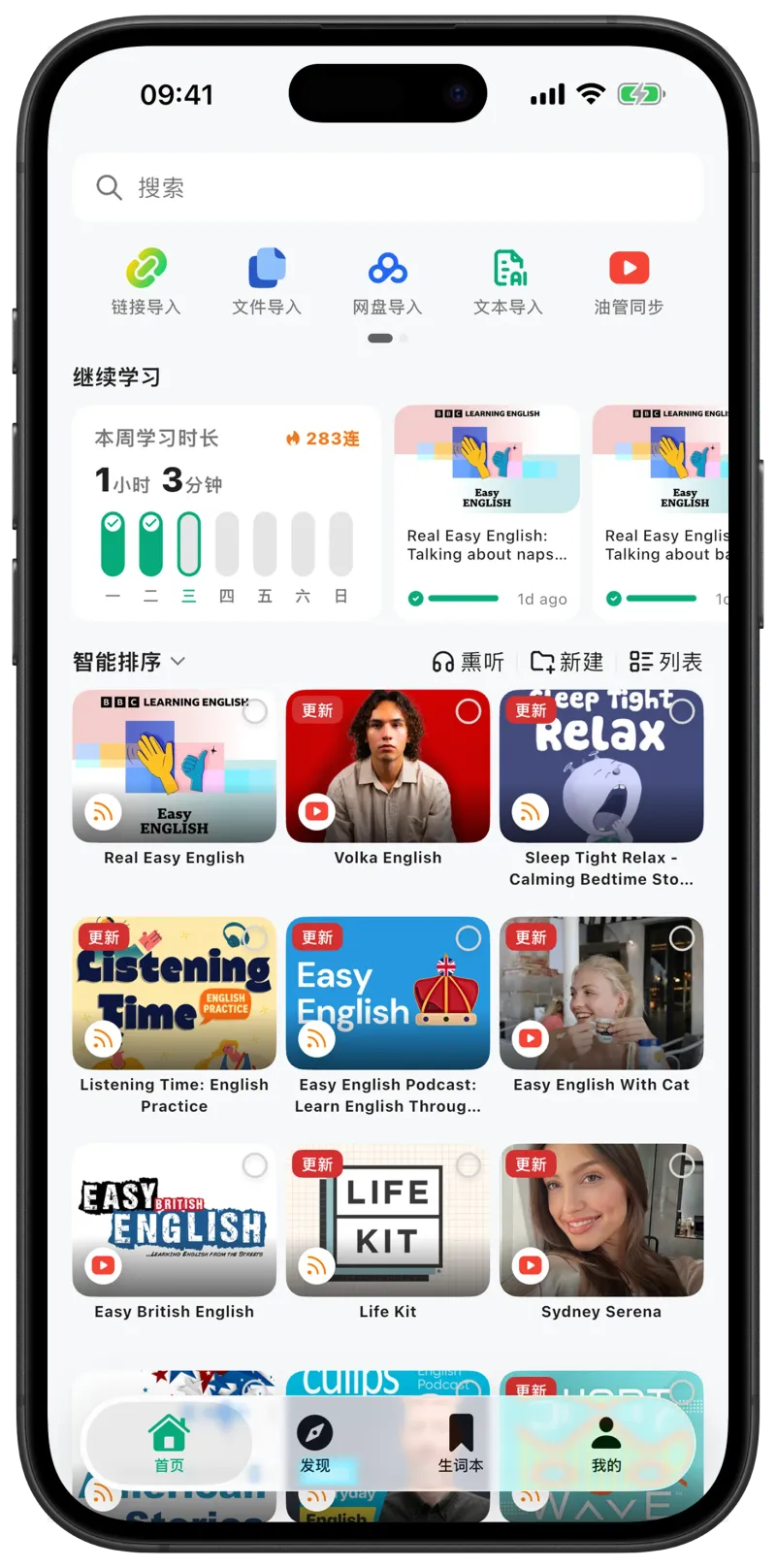
Open the Aelano app, click the 'Add Content' button, and paste the YouTube video link.
- 3
Wait for AI transcription
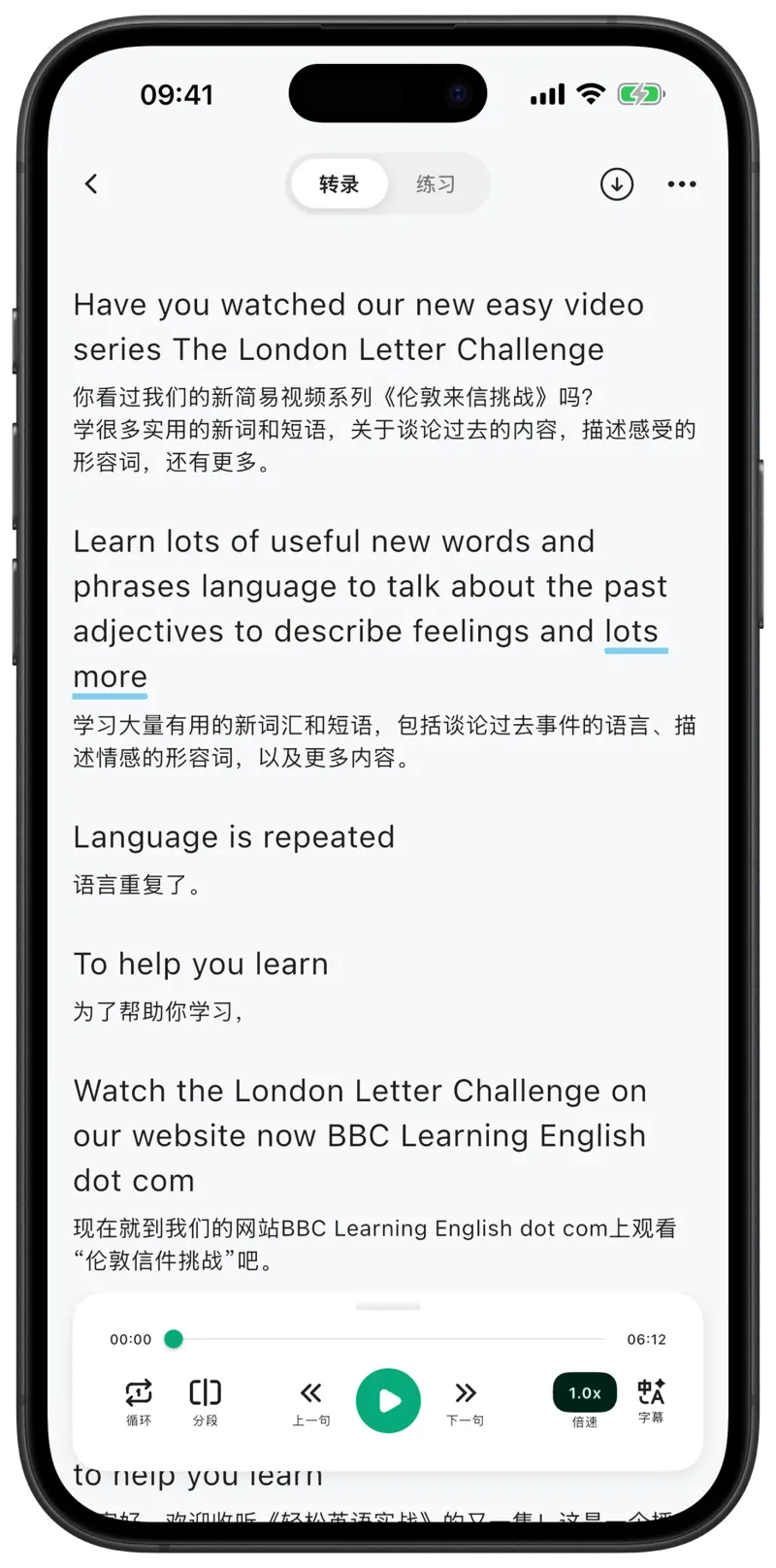
Aelano's AI will automatically detect the video language and generate subtitles, this process usually takes only a few seconds.
- 4
Start learning
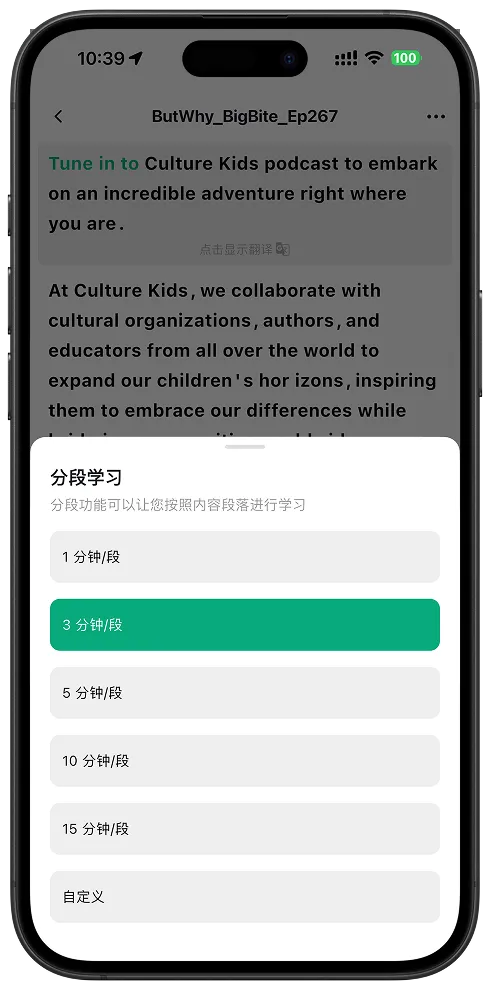
After transcription is complete, you can view bilingual subtitles, use the segment learning feature to understand sentence by sentence, and practice listening and speaking repeatedly.